

Choose your format
Create AI Music Videos, Shorts & Stills
Pick the outcome. We ask a few short questions, show you every step, and never spend a credit without telling you first.
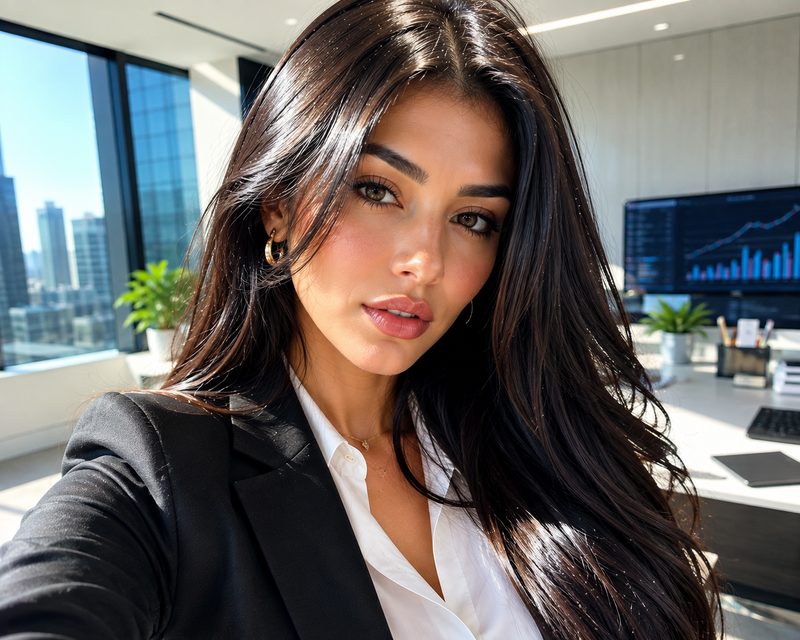
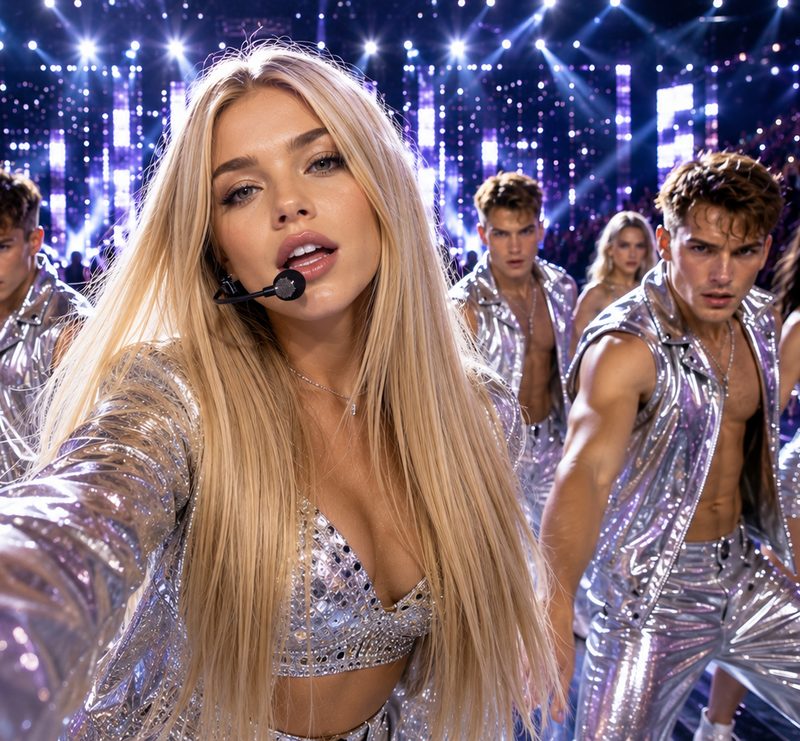
Simple production workflow
How It Works: Three Simple Steps
You never choose a model, a seed, or a setting. Describe your vision, pick a style, and optionally add your track.
-
STEP 1Prompting
Describe it
Say what you want to see in your own words. No prompt craft required.
-
STEP 2Aesthetic
Pick a look
Real for photographic, Cartoon for stylised animation.
-
STEP 3Audio sync
Add your track
Optional. If you upload a song, the visuals are cut to it.
Output gallery
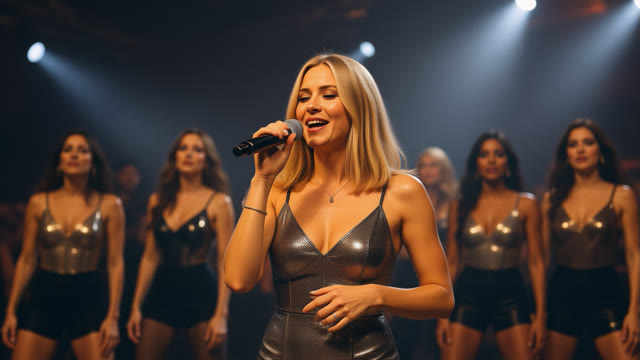
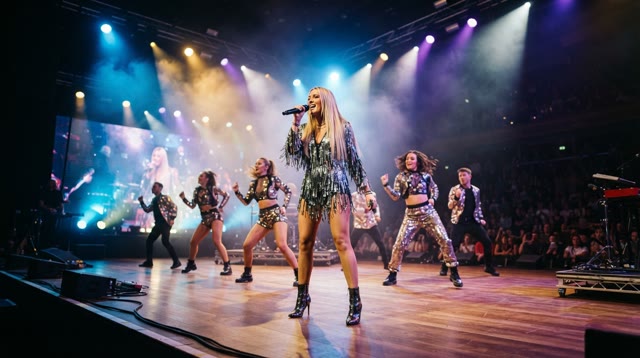
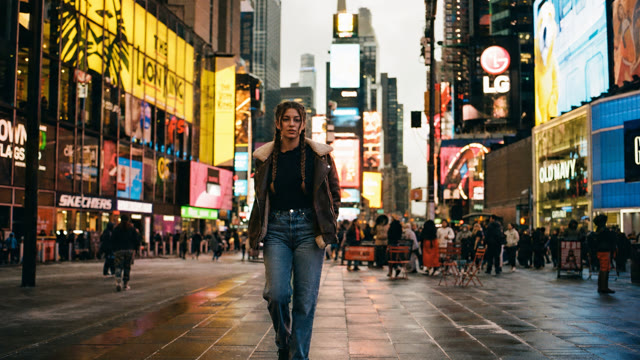
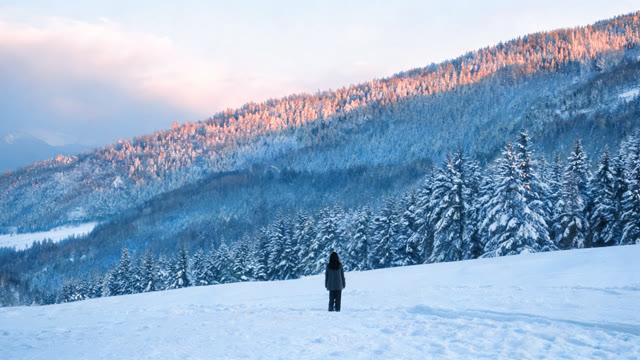
Real AI Music Videos & Visuals Built with Beenga
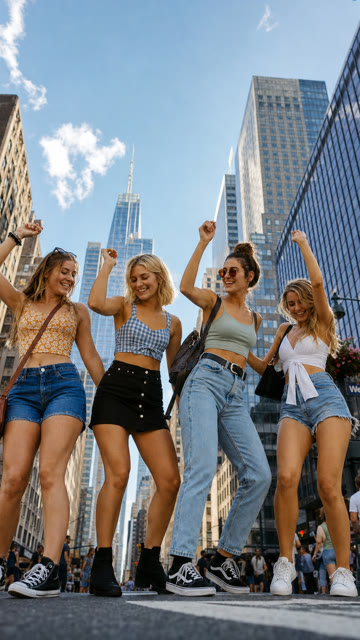
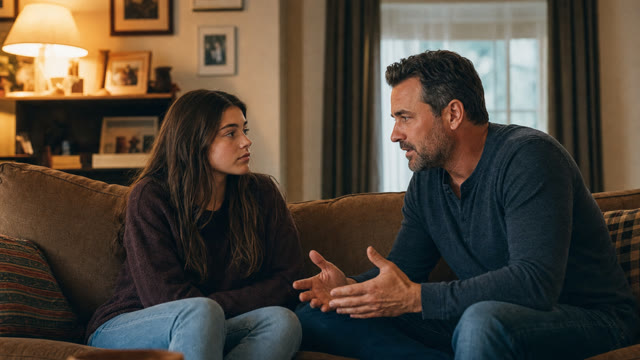
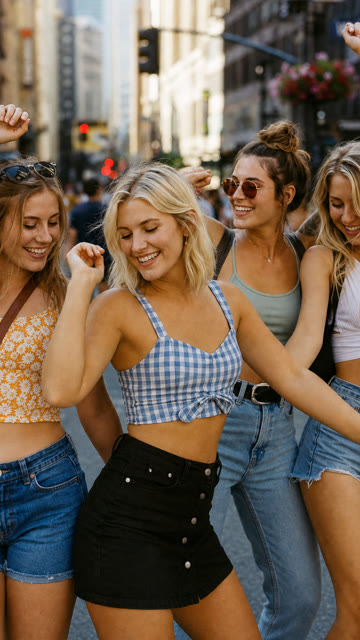
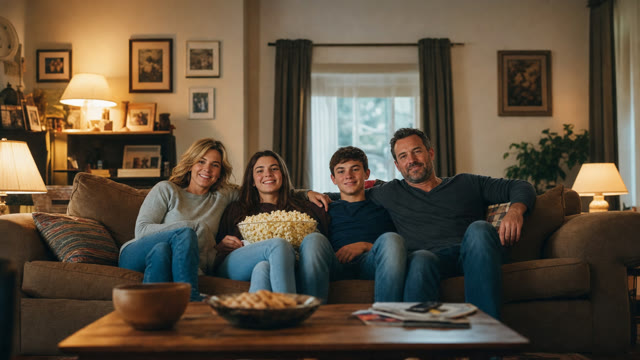
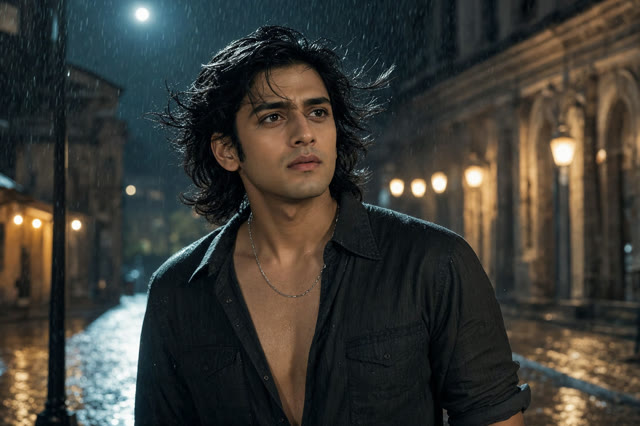
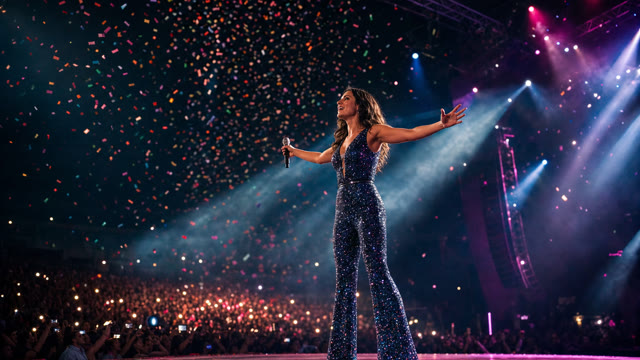
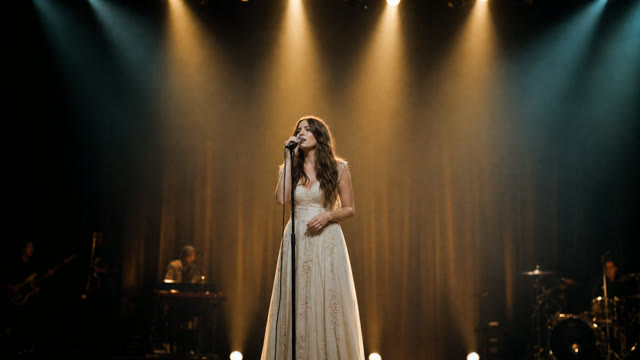
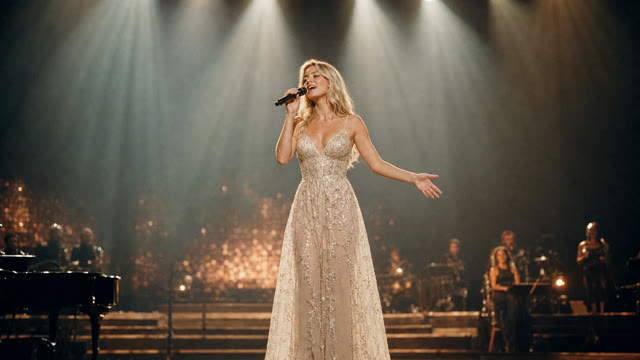
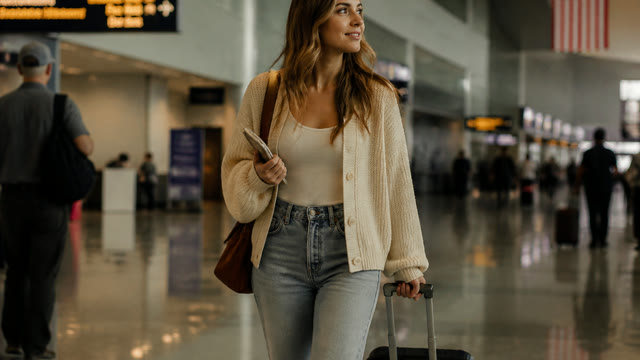
No stock footage, no shoot, no crew. Hover a clip to play it, click any tile to open it full screen, or filter by format below.
 Still
Still
 Still
Still
 Still
Still
 Still
Still
 Still
Still
 Still
Still
 Still
Still
 Still
Still
 Still
Still
 Still
Still
 Still
Still
 Still
Still
 Still
Still
 Still
Still
Character & scene continuity
Build Full-Length Videos Five Seconds at a Time
You approve the opening frame — the one everything else is built from — then choose how to work: one at a time, or all of them together.
- 1Make the opening frame and lock it. It fixes the cast.
- 2Every other shot is made by editing that frame, so the same people carry through.
- 3Animate them — one at a time, or the whole set at once.
- 4Stitch whenever you like. Keep adding.
Straight answers
The things people actually ask.
The file is yours
Publish it, monetise it, use it commercially. You keep the rights to your music, and your uploaded audio is deleted the moment the render finishes.
No nudity, ever
Beenga will not generate nudity or sexual content. That is enforced in the product, not just written down — see acceptable use.
Faces are honest work
It can show people, but not the same person reliably twice, and faces in motion can look wrong. Lock a frame and reuse it, or lean on landscape.
You see the cost first
Everything is prepaid credits, and every button says what it will cost before you press it. A failed render costs nothing.
FAQ
Pricing, Rights & How It Works
What does it cost?
Beenga runs on prepaid credits with no subscription required. Generating an image is 20 credits, a 5-second video clip is 100 credits, and full-length music videos are built shot-by-shot from your track. Credit packs start at $2.00 for 100 credits on our Plans page, and every button shows its exact cost before you confirm. A failed render costs nothing.
What do I get?
A finished MP4 you can upload anywhere. You keep the file and the right to monetise it. We can also crop it to vertical for Reels and Shorts at no extra cost — that keeps the middle of the frame and loses the sides, so if the video matters in both shapes it is better made vertical from the start. Ask and we will do that instead.
Do I need to write prompts or understand AI?
No. You describe what you want in ordinary words and pick Real or Cartoon. There are no models, seeds or settings to choose.
Do you need my song?
Only if you want the video cut to it. Upload the track and the visuals are timed to its strongest passage. You can also generate a clip with no audio at all.
Who owns the result?
You do. You must own or control the music you upload, and you agree to that when you order. We never publish your work without your say-so.
Can it show a specific person?
It can hold one person across a whole video: you approve an opening frame, and every other shot is made by editing that same frame rather than generating a stranger each time. It cannot reproduce a REAL person from a photograph, and faces in motion can still look wrong — figures seen from behind, atmosphere and landscape hold up best once they move.
How long does it take?
About two minutes for a single clip. A longer piece does not take that many times longer — once the opening frame is approved, the rest are made several at a time rather than one after another.
Ready to make your music video?
Open the studio to start building your visuals right now, or reach out to our team if you need full-service custom video production.